2329
0
17
Many Hwb resources can be adapted to support different learner needs using tools available through Hwb. Compatible resources, such as PDFs and Word documents, can be personalised using tools including Adobe Express, Microsoft 365, Google Workspace and J2e.
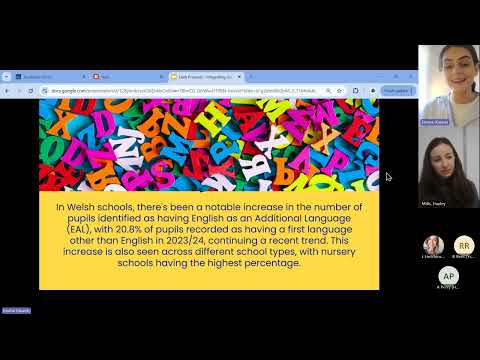
You can also explore Hwb presents sessions led by experts from these platforms. These sessions provide practical tips and ideas to help you make the most of Hwb tools and create more engaging learning experiences.

Explore the tools available in Hwb that can be used to adapt resources, support accessibility and help meet the needs of different learners.

Browse sessions delivered by experts from Adobe, Microsoft, Google and other partners, sharing practical ideas, examples and tips to help you get the most from these tools.